Updating an APK outside an official store requires the same identity checks as the first installation. The new file should belong to the same package and normally be signed by the same developer certificate. A familiar icon or filename is not enough. Use this checklist before replacing an installed Rummy App.
What is the safest way to update a Rummy APK?
Use the same verified developer source that supplied the working App, then compare the new package ID, signing identity, version and permissions with the installed copy. Android should normally recognise a legitimate update as the same application. Stop when the installer reports a signature conflict, the package name changes without explanation, or the file requires Play Protect to be disabled. Read the release notes before approving new access to SMS, contacts, accessibility or screen sharing. Back up account recovery information, but never disclose an OTP, UPI PIN or password to someone offering to complete the update remotely. If identity cannot be reconciled, keep the current version and ask the developer through its published channel.
- Use the same sourceReturn to the verified publisher or store instead of following an update message.
- Match the App identityThe display name, package ID and signing identity should remain consistent.
- Keep Android checks enabledReview Play Protect warnings and stop when the installer conflicts with the existing package.
Confirm that an update is actually available
Start from the developer page or source you independently verified. Compare the published version number and update date with the App information shown in Android Settings. Do not follow an unsolicited message that claims an urgent security update without confirming it from the current source.
Read the release notes, but treat vague promises as marketing. A legitimate update description should connect changes to features, compatibility or fixes. The absence of detailed notes is a reason for additional checking, not automatic proof of harm.
Match package identity and publisher
The update should use the same Android package ID as the installed App. Android also expects a compatible signing certificate. If the signature differs, the system may refuse the update. Do not uninstall the old version merely to bypass this protection until you understand why the publisher identity changed.
A copied icon and similar display name can belong to a completely different package. Record the exact package ID before downloading.
Back up access and important data
Confirm how account access is restored. Save non-secret account identifiers and make sure the linked phone number or email is still available. Never store an OTP, UPI PIN or password in an unprotected note. For offline games, check whether progress is stored only on the device and whether the App offers an export or cloud backup.
An update normally preserves data, but troubleshooting steps such as uninstalling can remove local progress. Back up before experimenting.
Download and scan the new file
Save the APK without opening it. Compare the size and, when the developer provides one, the checksum. Use a reputable scanner as an additional signal. A clean result does not certify the file, but a detection or unexplained mismatch deserves investigation.
Keep Play Protect enabled. Do not follow a guide that requires permanent deactivation of Android security. If the system warning names a different publisher or package, stop.
Review permission changes
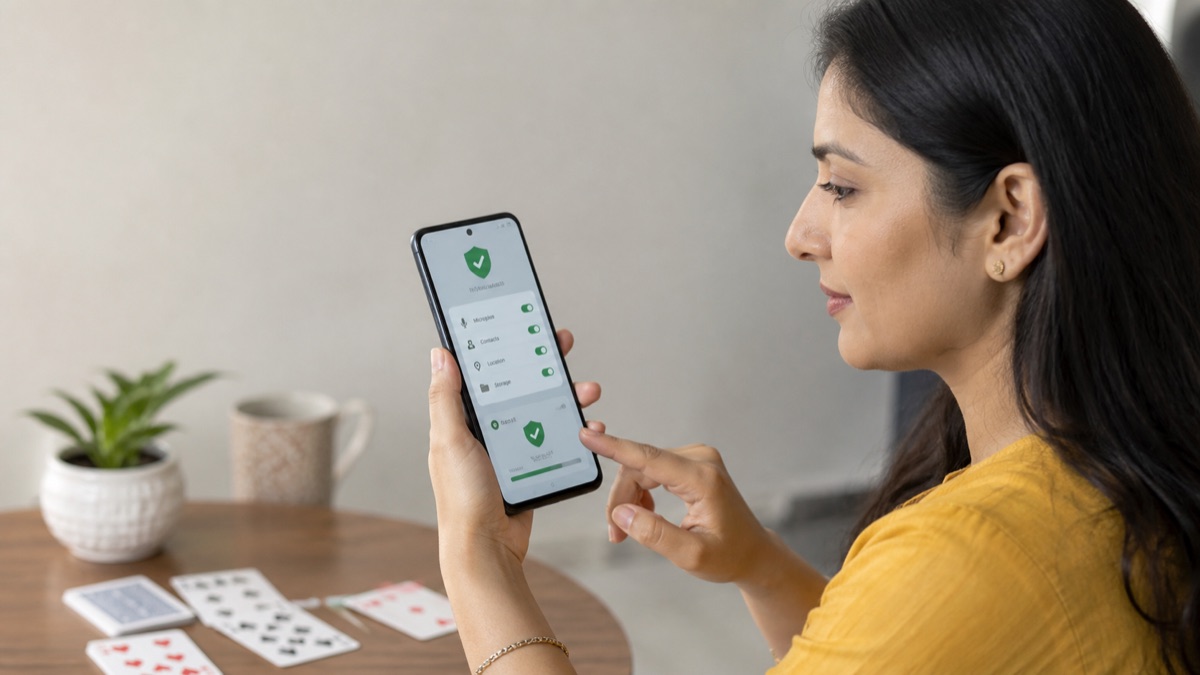
Major updates can introduce new features and permissions. After installation, open Android Settings and compare access for camera, microphone, contacts, location, notifications and special access. A new permission should have a feature-based explanation. Deny optional access until it is needed.
Pay special attention to accessibility, display-over-other-Apps, SMS and install-unknown-Apps permissions. These capabilities can affect other applications and authentication flows.
When the update will not install
Record the exact error. Check Android compatibility, storage space and whether the download completed. A signature conflict suggests that the new file does not match the installed publisher. A parse error can indicate an incomplete or incompatible package. Re-download only from the verified source.
If the only proposed fix is to uninstall the old App, first confirm backup and publisher identity. Otherwise the user may lose local data and install a different product.
After-update monitoring
Watch battery, network and notification behaviour during the first day. Unexpected redirects, a second installer, aggressive overlay prompts or new account messages deserve attention. Check that support links and legal documents still name the operator you expected.
Repeat the source check for future updates. Familiarity should not replace verification, especially when APK links circulate through messaging groups or unrelated directories.
Scope and evidence limits for APK updates
RummyGameList prepared this How to Update a Rummy APK Safely on Android guide by separating stable game rules from time-sensitive product and regulatory information. Rule explanations were checked against multiple current guides and arranged as original examples. Product, store and legal claims are treated as dated observations rather than permanent facts. Where a point depends on a particular App or table, the reader is directed back to the current rule screen or official source.
This article is educational information, not legal, financial or security advice and not a promise of winnings. Rummy variations use different house rules. Software can change after publication. Readers should verify developer identity, package ID, permissions, age requirements, regional availability and the current product model before using any App. Corrections can be sent to contact@rummygamelist.com with the source and date.
Apply the update checks in order
Read the complete rule or safety explanation once, then test the idea with a non-financial practice example. For a rules topic, lay thirteen cards face up and label each sequence or set before adding a timer. For an App topic, write down the developer, package ID, source URL, version and review date before opening an external file. This turns a broad article into a repeatable check and makes disagreements easier to investigate.
Do not use a single screenshot, rating or search position as final proof. Search results can preserve old pages, store listings can vary by country and promotional websites can repeat the same unsupported statement. Prefer current primary sources, compare dates and state clearly when a fact could not be confirmed. Revisit the guide after a major rule, product or Android change.
Package and signature checks before an APK update
A legitimate update should normally retain the same Android package and signing identity. Stop when Android reports a signature conflict, the package name changes unexpectedly or the source asks you to remove the working version without explaining why. Keep Play Protect enabled, compare new permissions with the release notes and retain a recovery route for the existing account.
When an APK update should be treated as a new installation
Treat an update as a new product when the package name changes, Android reports a signature conflict, the publisher cannot explain the change, or the requested permissions expand without a matching feature. Do not uninstall the working version merely to force an unknown file to install; that can remove local data and hide an identity mismatch.
A normal update should preserve package and signing identity. Back up account recovery information, obtain the file from the same trusted source used previously, scan it, review the permission delta and keep the older installer until the new version works. If the source is no longer verifiable, waiting is safer than installing a replacement from a search ad or group message.
Frequently asked questions
Should I uninstall the old APK before updating?
Usually an update installs over the existing package when identity and signature match. Uninstalling may remove local data, so investigate conflicts first.
Why does Android say the App was not installed?
Possible causes include compatibility, storage, a damaged file or a signing-certificate conflict. Record the exact message before changing settings.
Can I trust an APK update shared in a messaging group?
Treat it as unverified until the developer, package ID, signature and current source can be confirmed independently.
Information only. RummyGameList is not the operator of listed Apps and does not guarantee availability, legality, safety or winnings.