How can you identify fake Rummy customer care?
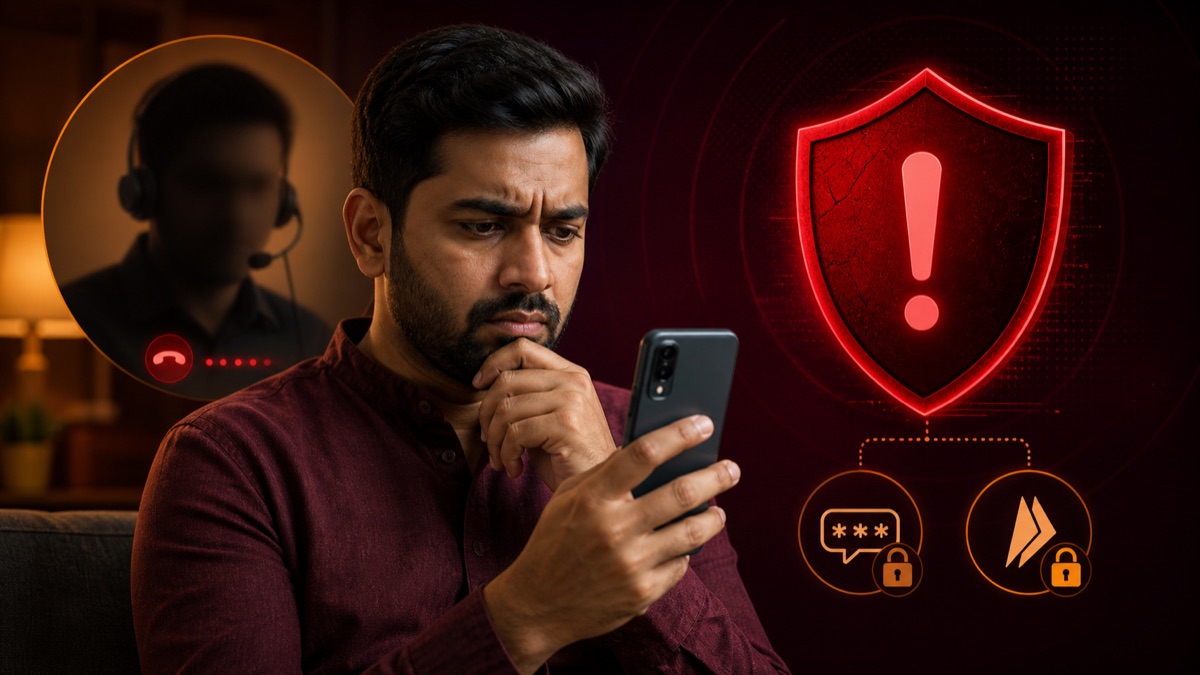
Treat a Rummy support contact as suspicious when it arrives unexpectedly, asks for an OTP or UPI PIN, requests screen-sharing access, demands an advance payment, or sends an APK through a private message. Do not use the phone number or link supplied in that message to verify it. Instead, open the App yourself or type the known developer website, then compare the support channel shown there. Preserve screenshots, usernames, payment requests and timestamps before blocking the account. Knowing your name or App history does not prove the caller is genuine, because those details may have come from a leaked list, a public group or an earlier conversation.
- Start from the publisherUse support details linked from a verified store or developer-controlled domain.
- Protect authenticationLegitimate support should not ask for an OTP, UPI PIN or screen-control access.
- Treat recovery promises cautiouslyAn unsolicited agent cannot guarantee a refund, balance release or account restoration.
Why fake support appears around app searches
Users often search for customer care when an account, payment or installation problem feels urgent. Impersonators use similar names, logos and messaging profiles to appear official. A search result or social profile is not enough to verify who controls the account.
Seven warning signs
Stop the conversation when you see one or more of these signals:
- They ask for an OTP, UPI PIN, card PIN or banking password.
- They request payment to a personal UPI ID to unlock a withdrawal.
- They insist that you install a screen-sharing or remote-control app.
- They create urgency or threaten immediate account closure.
- The email domain does not match the verified developer website.
- The number exists only on an unofficial directory or messaging channel.
- They refuse to provide a case ID through an official in-app support channel.
How to verify a support channel
Start from the app's current Google Play listing or verified developer website. Use the contact information published there and compare the domain carefully. If the operator cannot be identified, do not send identity documents or payment information.
What to do after sharing information
If you disclosed a financial credential, contact your bank or payment provider immediately through its official channel. Change affected passwords, remove unknown remote-access apps and review account activity. Preserve screenshots and transaction references for reporting.
A 10-minute response plan for a suspicious support message
- Stop the conversation and do not open additional links.
- Capture the username, phone number, payment request and full message history.
- Open the App or type the known official domain yourself; do not use the message link.
- Change exposed passwords from a clean device and contact the payment provider if money moved.
- Report the impersonating account through the platform where it contacted you.
Real support should not need your UPI PIN, OTP, screen-sharing access or a payment to “unlock” a withdrawal. A caller knowing your name or App history is not proof of legitimacy; leaked or publicly visible data can be used to make impersonation sound convincing.
Frequently asked questions
How can I find the real customer care contact?
Start from the app's current official store listing or verified developer website. Do not rely only on a phone number copied by an unrelated directory or messaging account.
Will genuine support ask for my OTP or UPI PIN?
No legitimate support process should require your OTP, UPI PIN, card PIN or banking password.
What should I do if someone asks me to install a screen-sharing app?
End the conversation and verify support independently. Remote access can expose messages, payment screens and personal information.
What should I save after a suspected support scam?
Keep screenshots, phone numbers, email addresses, payment references and timestamps, then contact your bank or payment provider through its official channel.
A safer process for handling an unexpected support message
Unexpected customer-care messages often feel urgent. The sender may claim that an account will be closed, a withdrawal will be cancelled or a KYC check must be completed immediately. Urgency is useful to a scammer because it discourages independent verification. Pause the conversation. Do not click the supplied link, call the number back or install an application recommended by the caller. Open the App or store listing yourself and locate the support route from there.
Check whether the contact domain matches the developer’s current official domain exactly. Small spelling changes, extra hyphens and free email accounts are warning signs. A messaging profile can copy a logo and display name in seconds, so visual similarity is weak evidence. Search results can also contain outdated numbers copied by directories. The safest route is to begin with a source you reached independently, not a source supplied inside the suspicious message.
Information genuine support should never need
A support agent may need a public username, ticket number, transaction reference or a description of the problem. They should not need your OTP, UPI PIN, card PIN, banking password or the password used for your email account. They should not ask you to move money to a “safe” account. They should not request a remote-control or screen-sharing App to process a refund. Anyone who can view your screen may see authentication codes and private messages, while remote-control software can let another person operate the device.
Be careful with QR codes. Scanning a code is not always a way to receive money; in many payment flows it authorises a payment from you. Read every payment screen and amount before confirming. If a caller insists that a payment is required to unlock a refund, end the conversation and contact your bank through the number printed on its official website or card.
What evidence to preserve
Take screenshots of the full conversation, including the profile handle, phone number, email address, time and any payment request. Save the URL rather than only the visible page title. Keep transaction IDs and bank notifications. Do not edit the screenshots. If you installed remote-access software, disconnect the device from the network, remove the application, review accessibility permissions and change important passwords from a different trusted device.
If money or banking information was exposed, contact the bank or payment provider immediately and ask about blocking the relevant instrument or disputing the transaction. File a report through the current official cybercrime channel applicable to your location. A directory website cannot recover funds or investigate an impersonator, but it can correct a published contact detail when evidence shows that the information is outdated.
Preventing the next impersonation attempt
Use a unique password, enable available account-security controls and keep the phone operating system current. Review which applications can read SMS messages, display over other Apps or use accessibility services. These permissions can expose authentication flows. When publishing a complaint online, hide your mobile number, transaction identifiers and account details; scammers sometimes contact people who post publicly about unresolved withdrawals or login problems.
Most importantly, treat every contact method as changeable information. Recheck the developer’s current store page or website whenever you need help. Save the date on which you verified the channel. That habit is more reliable than keeping an old phone number in a note for months.
This article is for general information. It is not legal advice, a product endorsement or a promise of winnings. App features and availability can change by version and region.